
Use the Transient result to compare the follower output with the input and supply rail.
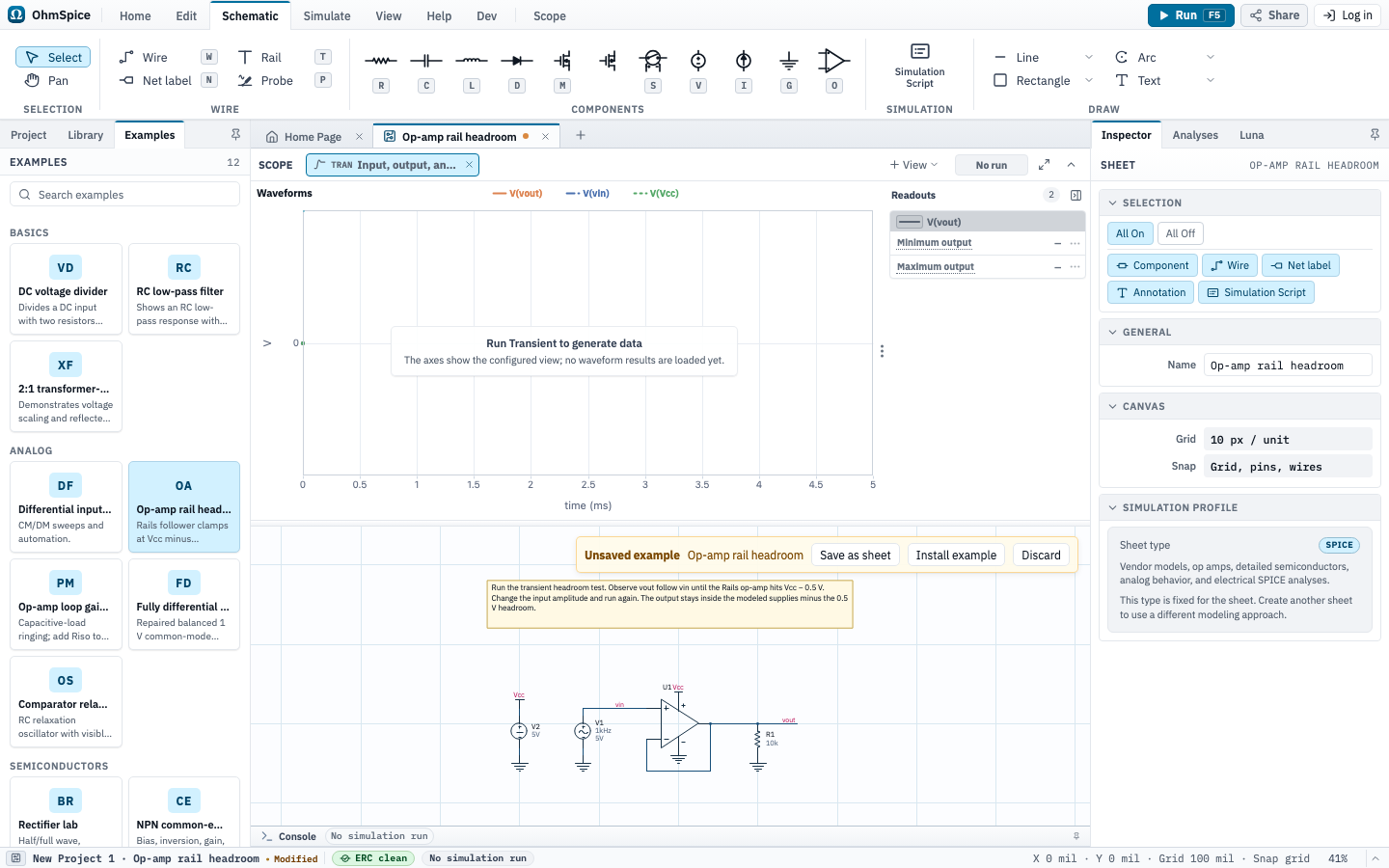
Open and run
- Open Examples from the Home ribbon.
- Choose Op-amp rail headroom.
- Open Simulate and choose Setup to review the analyses.
- Choose Run for one analysis or Run All for the complete configured set.
- Select a matching Scope view after the run. Use Save as sheet to keep the example or Discard to close it.
Sheets, analyses, and Scope
Powered follower headroom
Setup: Transient headroom test
| Analysis | Configuration |
|---|---|
| Transient |
|
Scope views and expected results
Input, output, and supply rail
Analysis: Transient
Waveforms
V(vout)V(vin)V(vcc)
Readouts
- Minimum outputMin
V(vout) - Maximum outputMax
V(vout)
Python scripts
These scripts are included with the example. Review trusted project code before choosing Run.
Headroom sweep.py
Default sheet: Powered follower headroom
# Sweep the follower input; output tracks vin until rail headroom clamps it.
sheet = get_sheet("Powered follower headroom")
vins = [round(-1 + 0.25 * step, 2) for step in range(29)]
runs = sheet.sweep(V1=[dc_source(vin) for vin in vins]).op(save="V(vout)")
vouts = [run.v("vout").last for run in runs]

fig, ax = subplots(1, 1, title="Follower clamp: vout vs vin")
ax.set(xlabel="vin (V)", ylabel="vout (V)")
ax.plot(vins, vouts, label="vout")
ax.plot(vins, vins, label="vin (ideal follower)")
fig.show()