
Open the example
- Open OhmSpice.
- In the Home ribbon, select Examples.
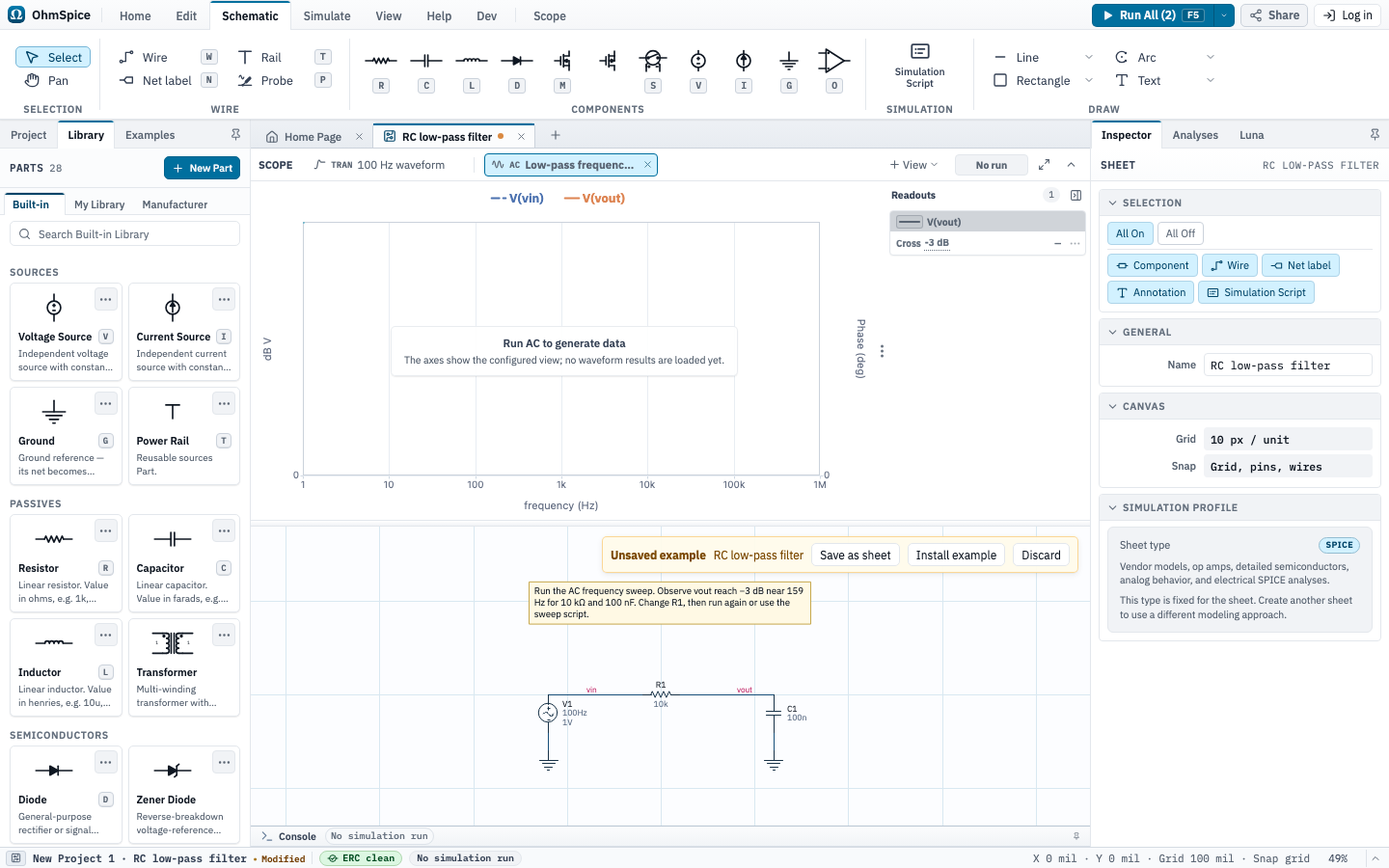
- Open RC low-pass filter.
The example opens as an unsaved schematic in your editing session. It contains one sine source with a 1 V small-signal AC stimulus, a resistor, a capacitor, and named input and output nodes. Its AC and Transient Scope views already contain traces for both nodes.
Run the simulation
- Open the Simulate ribbon and select Setup to review the AC and Transient analyses in the Inspector.
- Select Run All at the upper right, or press F5.
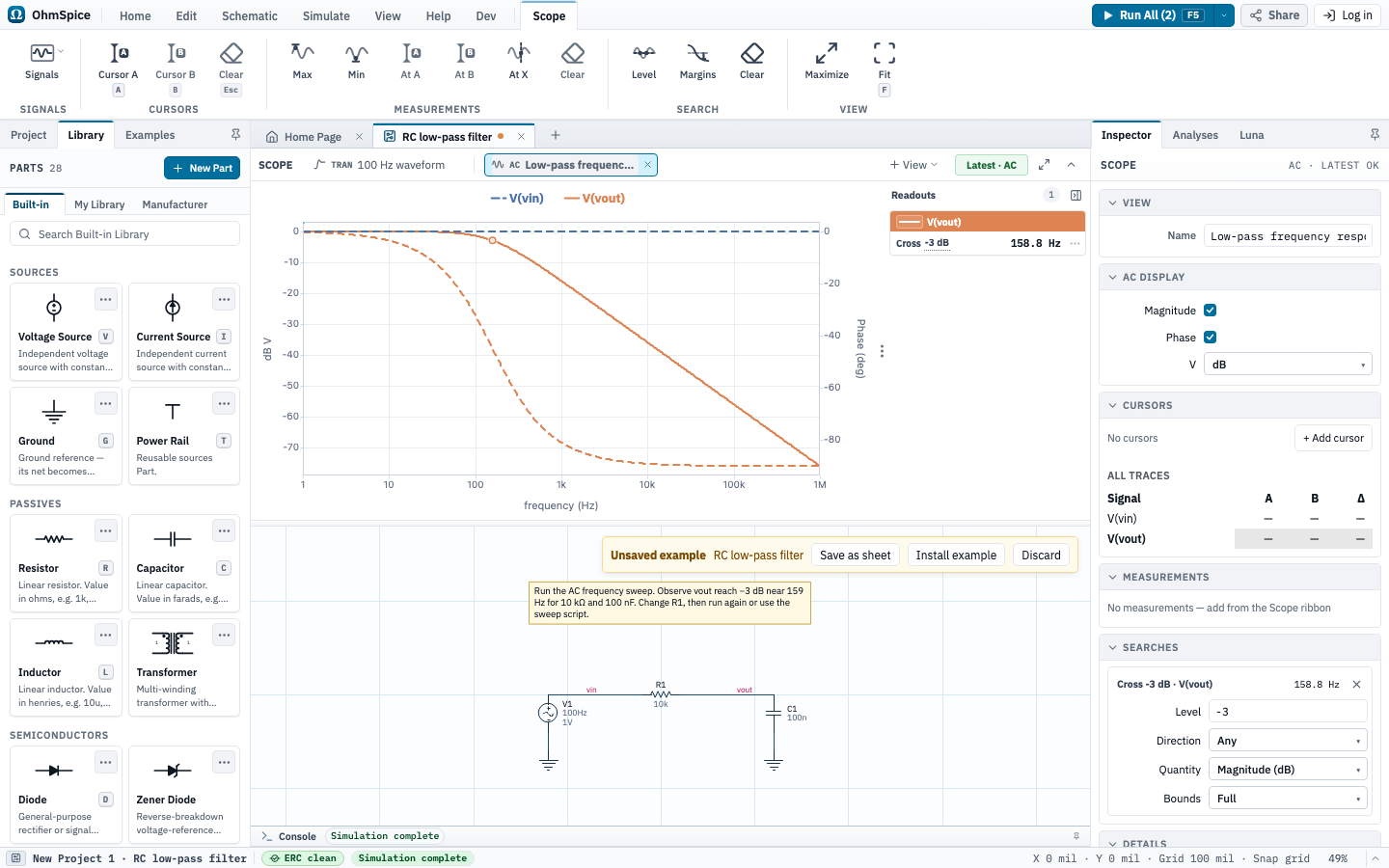
- Wait for both analysis status indicators to report completion.
Scope keeps separate AC Response and Transient views. Select the AC view to see magnitude and phase, then select the Transient view to see the 100 Hz input and filtered output waveforms.
Keep your work
Sign in to save the project to your account and open it from another device. You can also export a .ohm file for an offline backup or direct handoff.
An example remains a draft until you save it. Your changes do not modify the original example.